
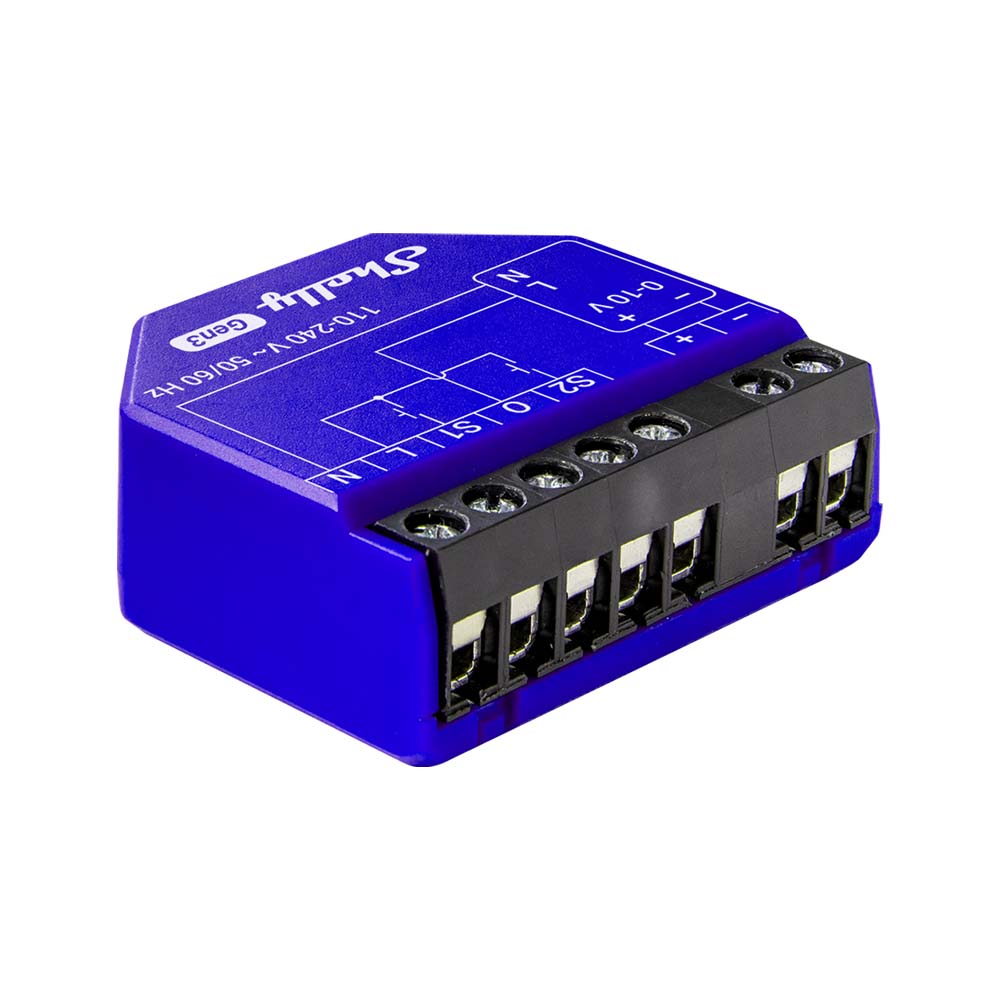
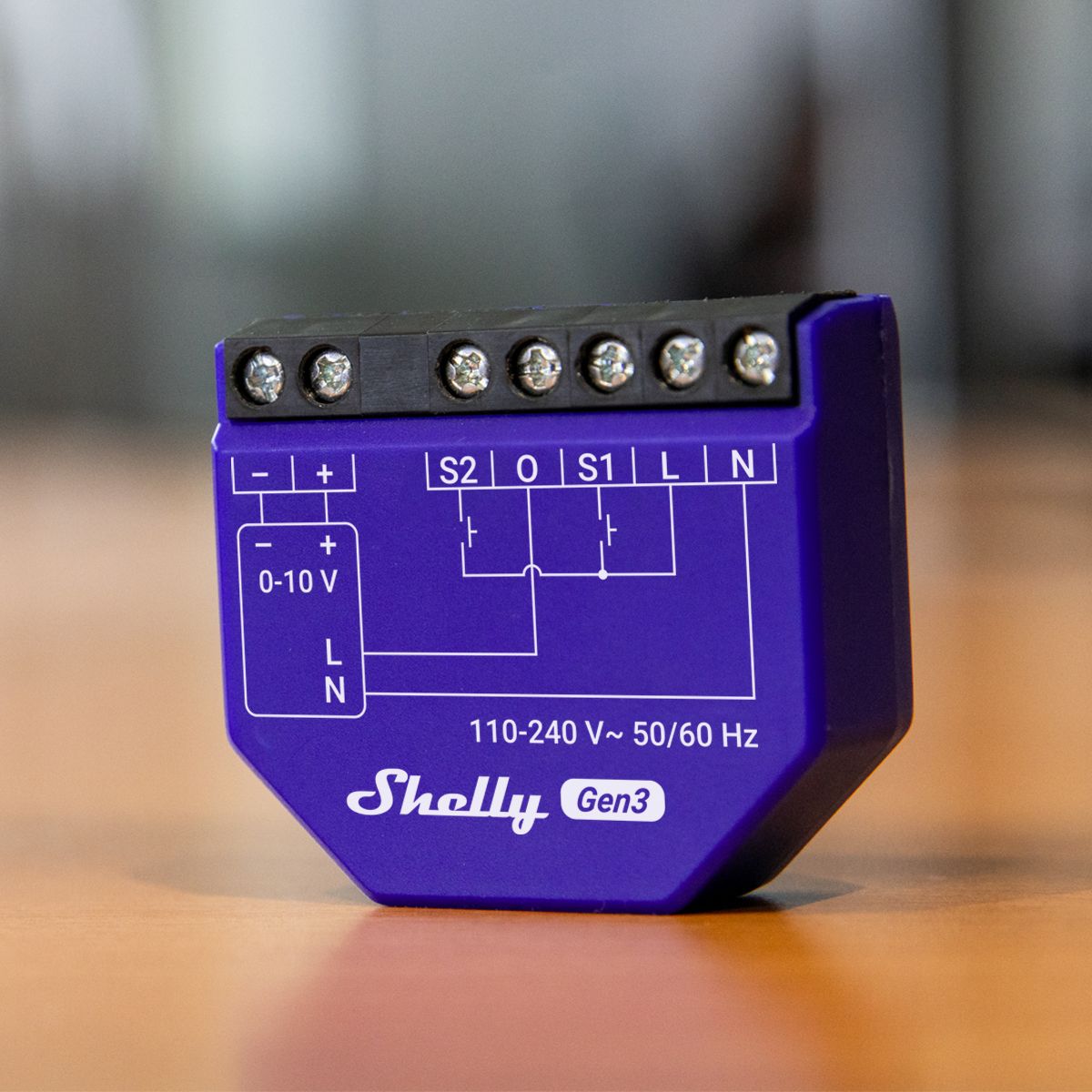
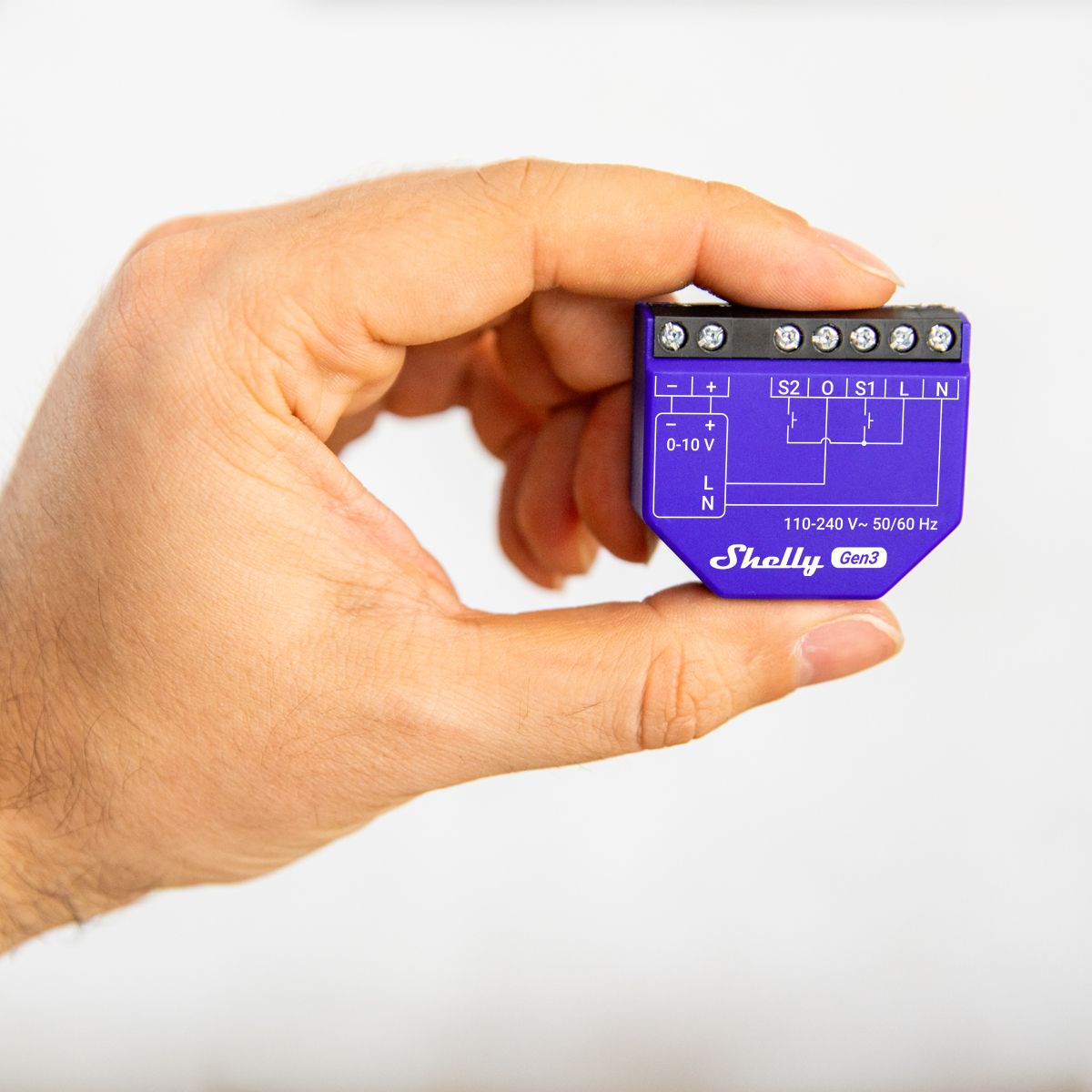
The Shelly Dimmer 0/1-10V PM Gen3 (the device) is a smart dimmer controller that allows you to dim drivers remotely via your mobile phone, tablet, PC, or a home automation system. The device can operate independently on a local Wi-Fi network or via cloud-based home automation services. The device is a current sourcing controller and supports both 0-10V and 1-10V drivers.
Features
- Bluetooth: The device complies with the Bluetooth standard and can connect with other Bluetooth devices to exchange data over short distances.
- BLE Gateway
- Wi-Fi
- Wi-Fi Range Extender
- Scripting
- Basic schedules: Supports weekly schedules and routines, including setting brightness, transition duration, and the flip value of the dim signal.
- Advanced schedules: Offers detailed schedules and routines for the entire year, with extended time settings from seconds to months, including brightness setting, transition duration, and flip value of the dim signal.
- Shelly Plus Add-On compatible
- Auto on/off timers
- Local actions: Allows you to create automation scenarios within the local Wi-Fi network, including setting brightness, transition duration, and the flip value of the dim signal.
- Webhooks: Supports automation through lightweight, event-driven communication with other devices.
- Compatibility: Highly compatible with third-party home automation systems.
- No hub required: Ready to use both locally and remotely via Shelly Smart Control or third-party systems.
- Activity log: Stores a detailed history of events.
- KVS (Key-value storage): The KVS service provides basic storage for key-value pairs.
- Customizable thresholds and offsets for temperature, humidity, and light when used with the Plus Add-on.
- Protection against overcurrent, overvoltage, and overpower.
- Power measurement: Accurate monitoring of energy consumption. Information on voltage (V), current (A), and consumption (W) is displayed.
- Diverse driver integrations: Supports 0-10V and 1-10V drivers (such as lights, motors, valves, etc.).
- Night mode: Allows setting a specific brightness level for the lights during the night.
- Power-on brightness: If the night mode brightness is lower than the minimum power-on brightness, the minimum power-on brightness will be applied.
- Switch/button input mode: Provides flexible input control via switches and/or buttons.
- Single-button dim control
- Dual-button dim control
- Transition duration: Determines the time for dimming from 0 to 100% when turning on and from 100 to 0% when turning off.
- Minimum power-on brightness: Brightness level (in percentage) applied when powered on and the current brightness is lower than the ‘minimum power-on brightness’. Default is 3%. This is not applied when an explicit (custom) transition is defined in schedules and actions.
- Min/Max brightness: Limits the range of the dim signal for more accurate brightness control at the output.
- Button fade speed: Determines how quickly the output brightness changes when holding the button(s). Default is 3x.
- Button presets: State applied upon a double-click event. Default value is 100%.
- Virtual components: A special set of components that are not initially present in the device and are dynamically created by the user.
Manual
Reviews
There are no reviews yet.